







Smash un outil de transfert de fichiers sans limite et éco-attentif
Gérons ensemble les fichiers lourds de vos sites web...
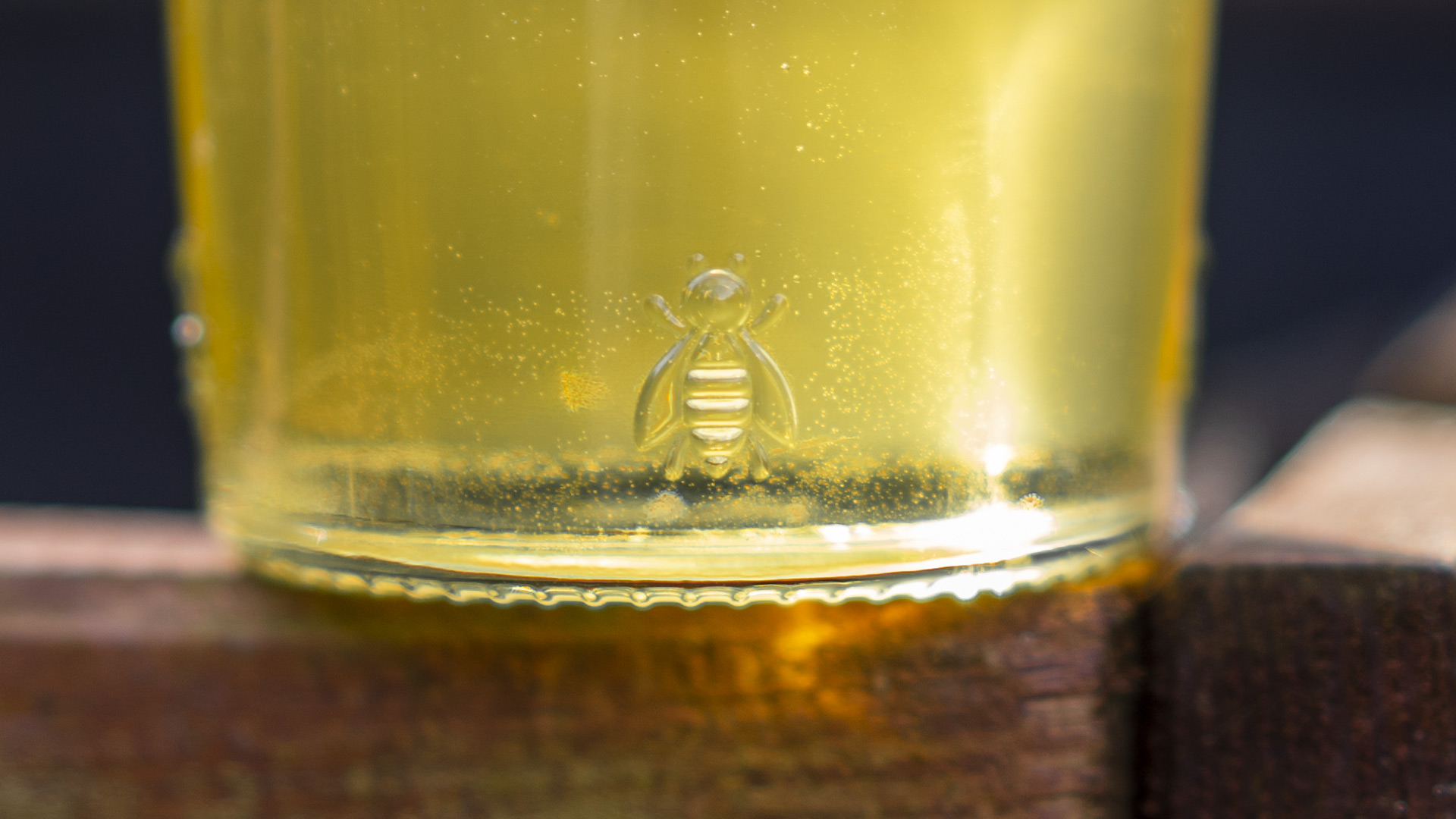
Le miel utilisé pour développer des composants électroniques respectueux de l’environnement
Gérons ensemble votre image sur les réseaux...

Comment recadrer vos images aux dimensions demandées par les réseaux sociaux
Gérons ensemble votre image sur les réseaux...


